Your website is often the first place potential customers learn about your business. But what happens when it takes too long to load, doesn't work properly on mobile or makes it difficult to find information? Visitors may simply leave and look for another option.
Many businesses face these issues without realising how much they affect user experience, search rankings and enquiries.
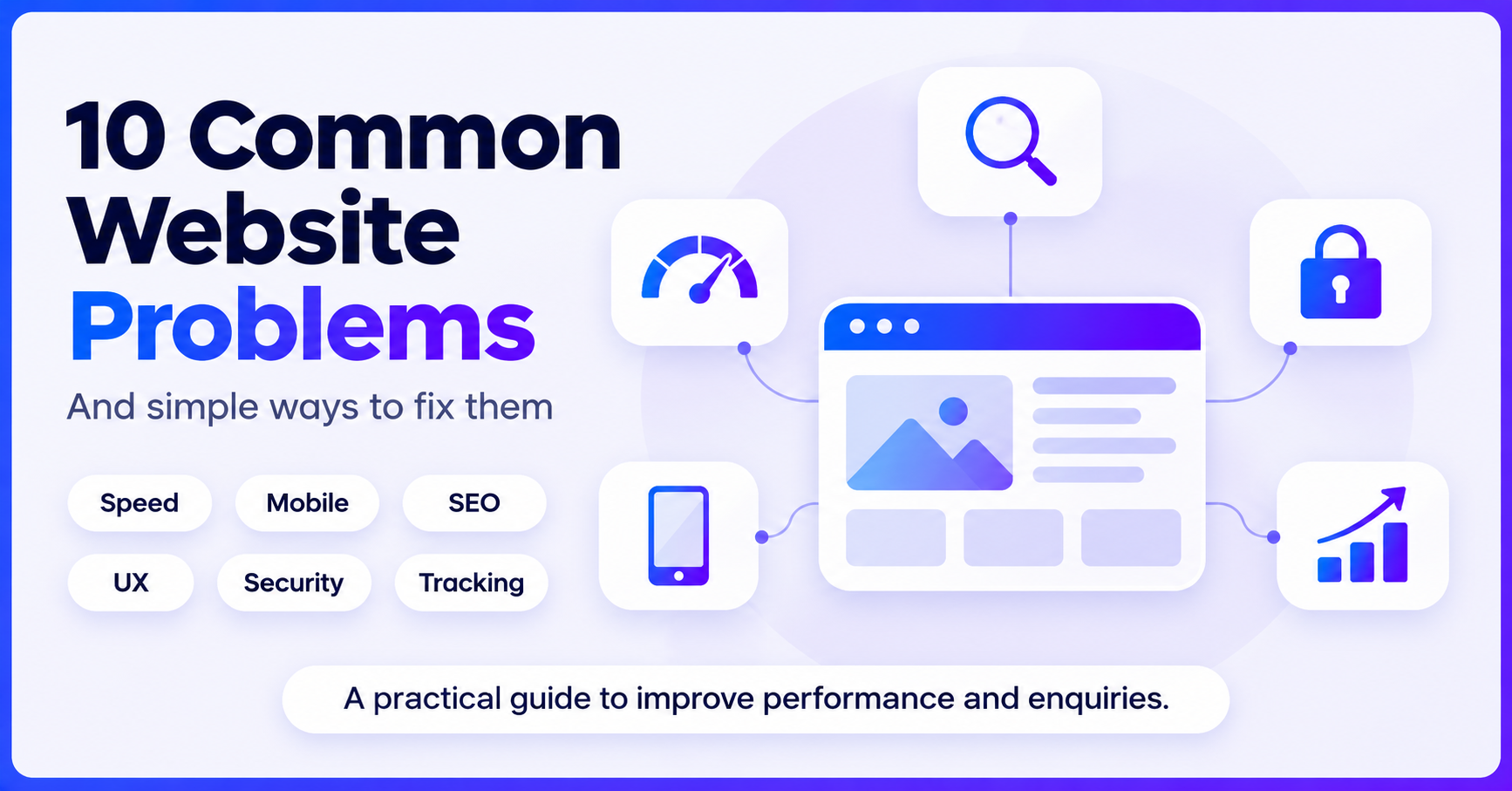
At Nova Vision Mediatech, we understand how important a well-performing website is. Here are 10 common website problems and some practical ways to fix them.
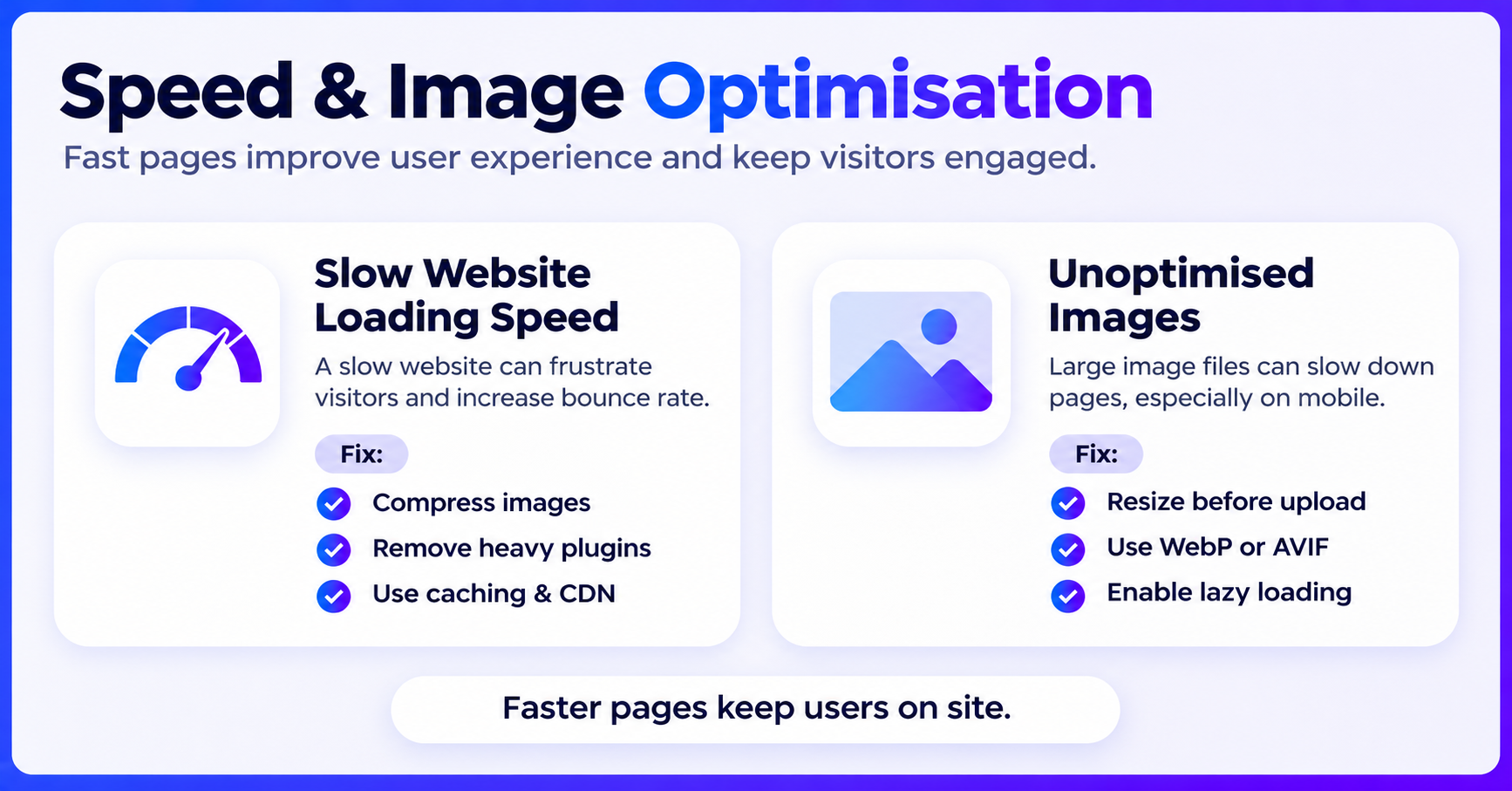
1. Slow Website Loading Speed
A slow website can frustrate visitors and make them leave before exploring your services. Large images, unnecessary plugins and poor hosting are common reasons behind slow loading.
How to fix it:
-
Compress images before uploading them.
-
Remove unnecessary plugins and scripts.
-
Enable browser caching.
-
Use a reliable hosting provider and CDN.
-
Check performance with Google PageSpeed Insights.
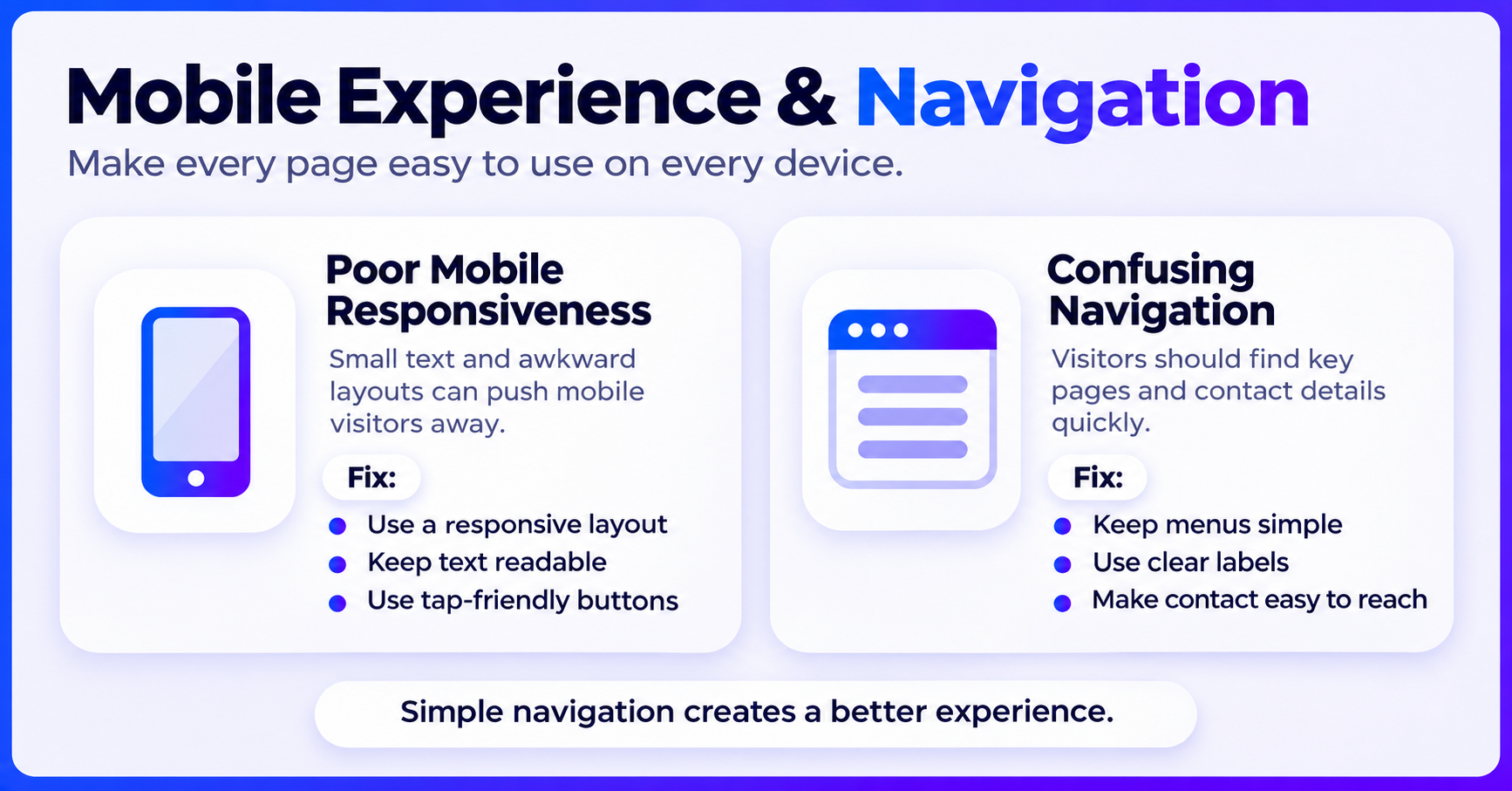
2. Poor Mobile Responsiveness
Many people visit websites through their smartphones. If your website has small text, overlapping images or difficult navigation, visitors may not stay for long. Google also primarily uses the mobile version of websites for indexing.
How to fix it:
Use a responsive design that adjusts to different screen sizes. Keep text readable, buttons easy to tap and menus simple. Test your website on both mobile and desktop devices.
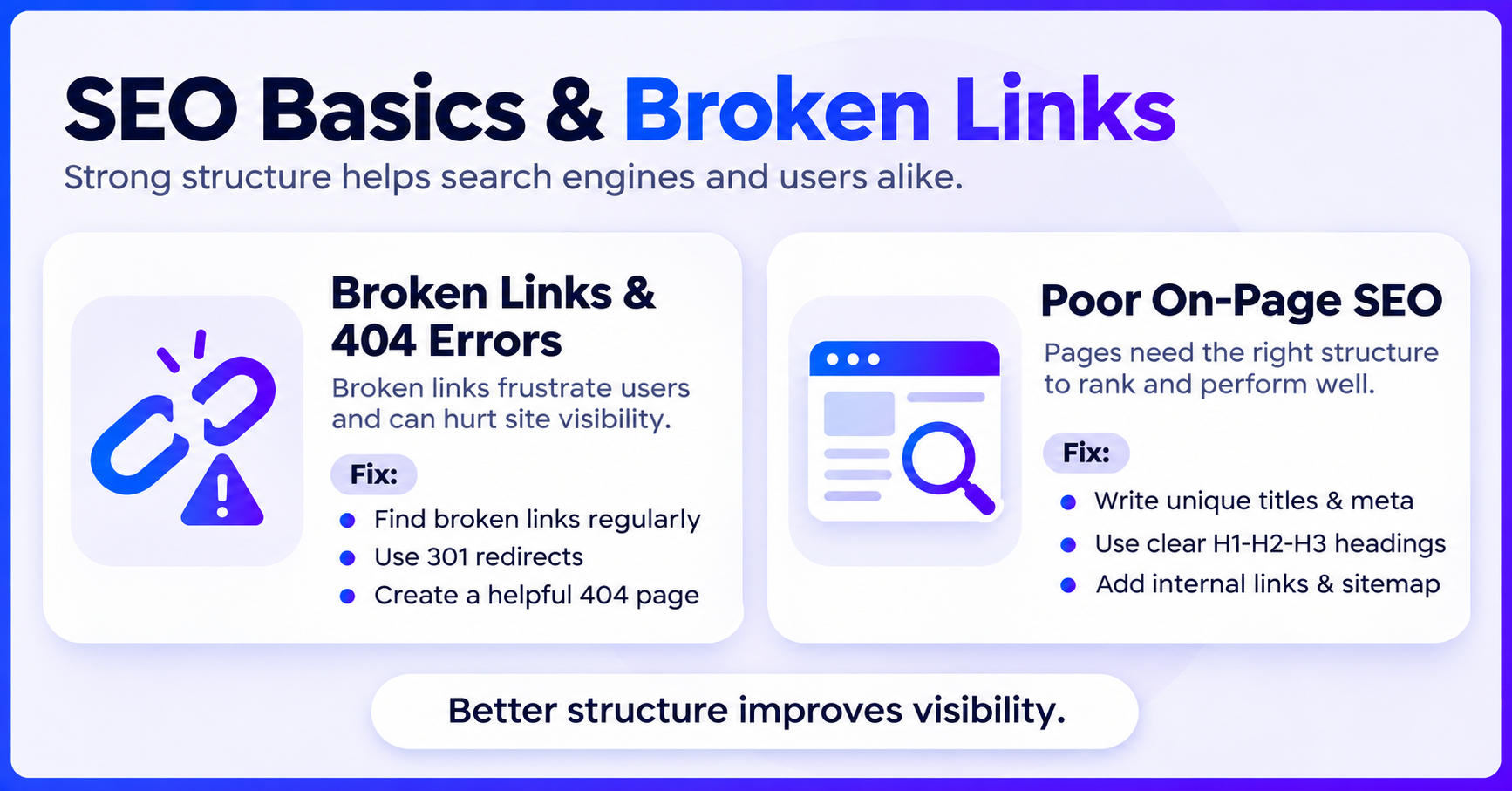
3. Broken Links and 404 Errors
Broken links usually appear when pages are deleted or URLs are changed without proper redirects. They frustrate visitors and can make it harder for search engines to discover important pages.
How to fix it:
Check broken links using Screaming Frog or Google Search Console. Update incorrect internal links and use 301 redirects when pages have permanently moved. You can also create a helpful custom 404 page.
4. Unoptimised Images
Large image files can increase page loading time and affect website performance, particularly on mobile devices.
How to fix it:
Resize and compress images before uploading them. Use modern formats such as WebP or AVIF, add descriptive alt text and enable lazy loading for images that appear further down the page.
5. Poor On-Page SEO
A website may look attractive but still struggle to rank on Google if its pages are not properly optimised. Missing title tags, duplicate descriptions and poor heading structures are common issues.
How to fix it:
-
Write unique title tags and meta descriptions.
-
Use proper H1, H2 and H3 headings.
-
Add relevant keywords naturally.
-
Include internal links to related pages.
-
Publish useful and informative content.
-
Submit your XML sitemap through Google Search Console.
6. Confusing Website Navigation
Visitors should be able to find your services, important information and contact details without difficulty. Complicated menus and cluttered layouts can make navigation frustrating.
How to fix it:
Keep your main menu simple and use clear labels such as Home, About Us, Services and Contact. Make important pages easy to access and maintain a consistent design throughout the website.
7. Missing Call-to-Action Buttons
Getting traffic is not enough if visitors don't know what to do next. Without clear calls to action, potential customers may leave without making an enquiry.
How to fix it:
Add visible buttons such as "Get a Free Quote", "Contact Us" or "Book a Consultation". Place them on important pages and keep enquiry forms short and simple.
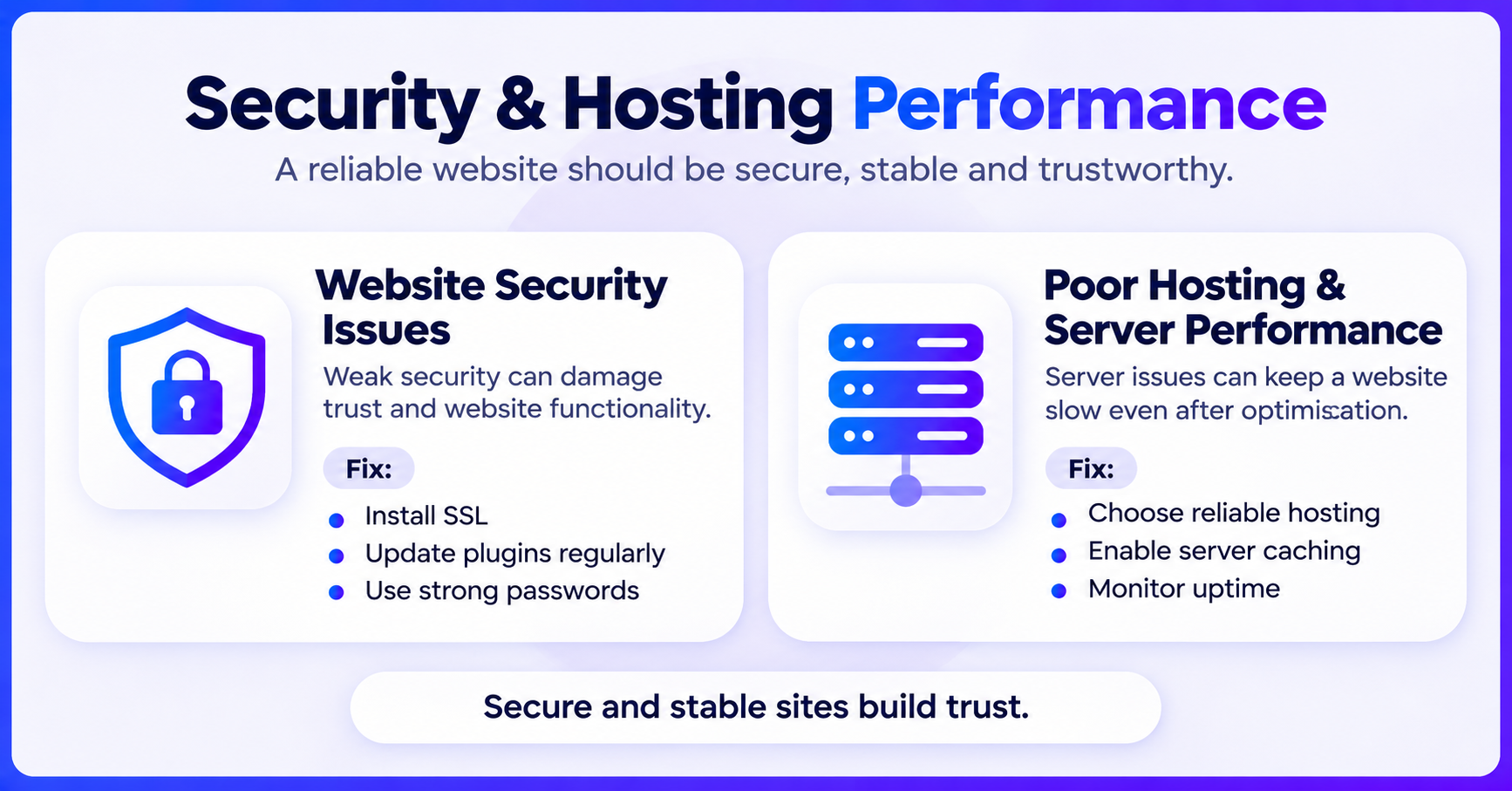
8. Website Security Issues
Outdated plugins, weak passwords and missing security updates can make your website vulnerable to attacks. Security problems can affect customer trust and website functionality.
How to fix it:
Install an SSL certificate, keep WordPress and plugins updated, use strong passwords and enable two-factor authentication. Regular backups and a trusted security plugin can provide additional protection.
9. Poor Hosting and Server Performance
Sometimes a website remains slow even after image and code optimisation. The problem may be related to the hosting provider or server response time.
How to fix it:
Choose reliable hosting with good uptime and sufficient resources. Enable server-side caching, monitor website performance and upgrade your hosting plan when your website starts receiving more traffic.
10. Not Tracking Website Performance
Without proper tracking, you may not know where your visitors come from, which pages perform well or how many enquiries your website generates.
How to fix it:
Set up Google Analytics 4 and Google Search Console. Monitor website traffic, organic clicks, impressions, popular pages and conversions. Review the data regularly to understand what needs improvement.
Final Thoughts
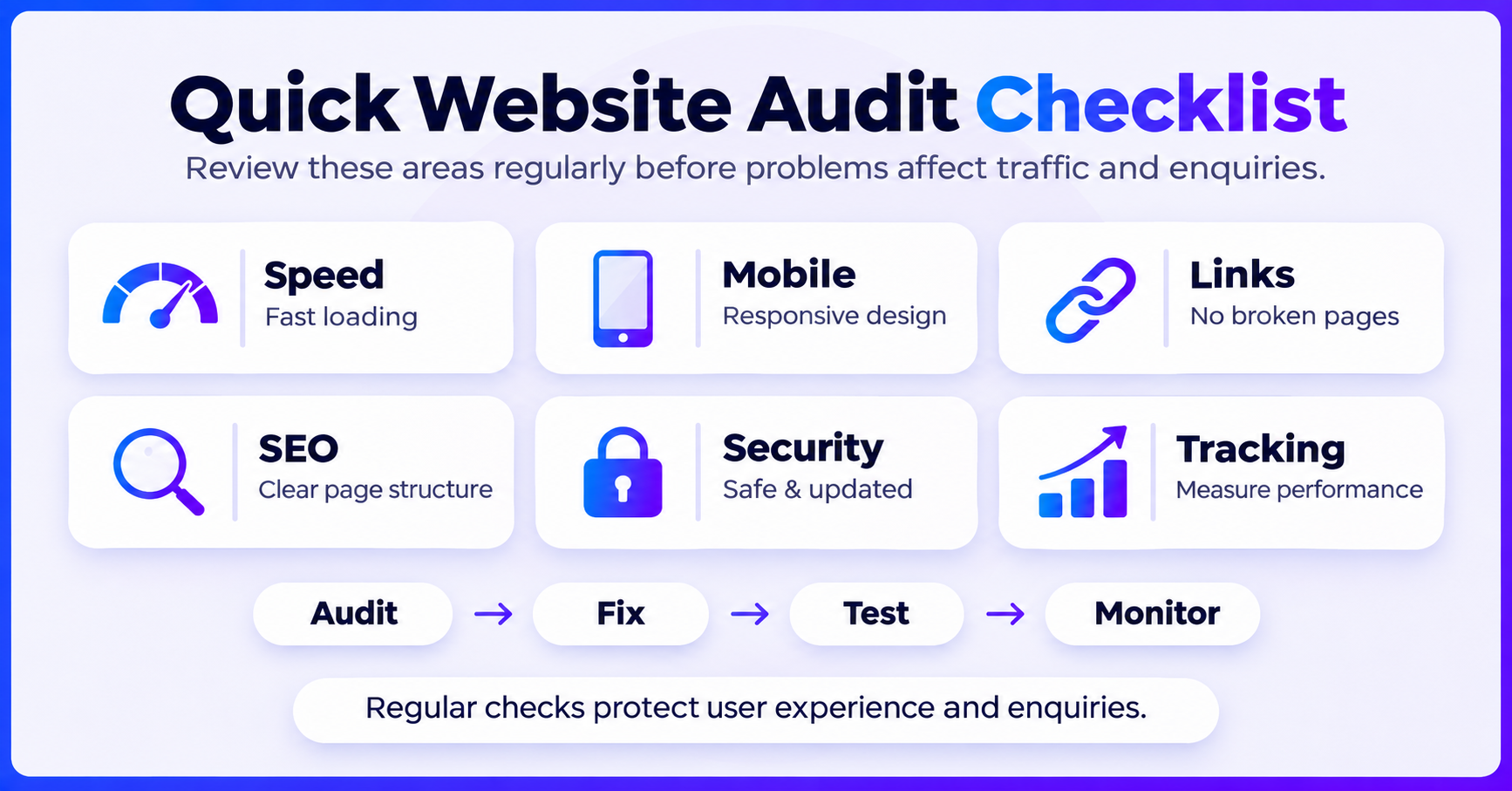
A successful website needs more than an attractive design. It should load quickly, work smoothly on mobile, provide useful information and make it easy for visitors to contact your business.
Regular website audits can help identify problems before they start affecting your traffic and enquiries.
Need Help Improving Your Website?
Nova Vision Mediatech provides website development, SEO and digital marketing services to help businesses build a stronger online presence. Our team can help identify website issues and work on practical improvements.